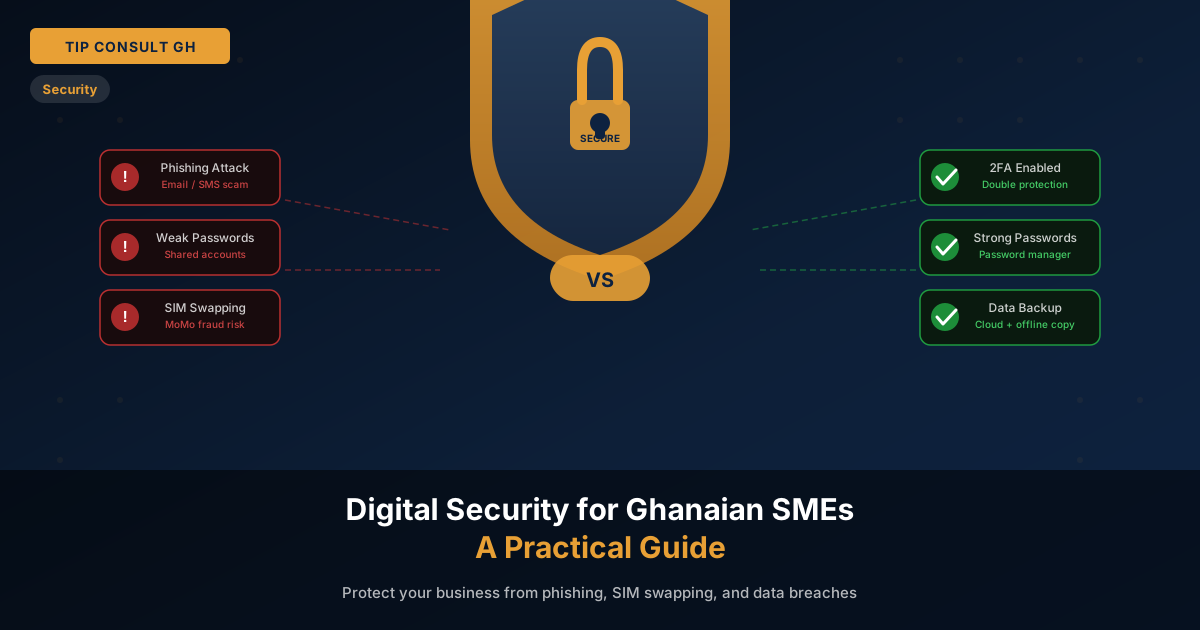
Digital attacks on Ghanaian businesses are not rare incidents reported in international news — they happen every week, to businesses of every size, costing real money and real clients. The good news is that most of these attacks succeed because of simple, preventable mistakes. This guide tells you exactly how to fix them.
The Most Common Threats Facing Ghanaian SMEs
Before protecting against threats, you need to understand what they actually are in the Ghanaian context:
- Phishing emails and WhatsApp messages — fake messages that appear to come from your bank, MTN, or a supplier, designed to steal login credentials or authorise fraudulent transfers
- SIM swapping — fraudsters convince a telecom to transfer your number to their SIM, gaining access to MoMo accounts and any service that uses SMS verification
- Weak or shared passwords — a single compromised password gives attackers access to email, cloud storage, and financial systems
- Impersonation scams — attackers impersonate your CEO or a supplier on WhatsApp ("urgent payment needed") to authorise fraudulent transactions
- Unpatched software — outdated operating systems and applications contain known vulnerabilities that attackers exploit automatically
The WhatsApp Impersonation Epidemic
This deserves its own section because it is so prevalent in Ghana. The attack pattern is consistent: an employee receives a WhatsApp message from a number claiming to be the Managing Director or a senior manager. The message requests an urgent bank transfer or MoMo payment, often with a reason like "I am in a meeting and cannot call — please handle this immediately."
The defence is simple: establish a company policy that no financial transaction is ever approved by WhatsApp alone, regardless of who the message appears to come from. All payments above a threshold require a voice call confirmation to a known number. Write this policy down and communicate it to every employee who handles payments.
Password Hygiene: The Practical Guide
Most business passwords fall into one of three dangerous categories: too simple (company name + year), reused across multiple platforms, or shared among multiple staff. Any one of these is a critical vulnerability. All three together is a disaster waiting to happen.
- Use a password manager — tools like Bitwarden (free) or 1Password generate and store complex, unique passwords for every account. Your team only needs to remember one master password.
- Never reuse passwords — if one account is compromised, attackers will try the same password on every other service immediately.
- Change shared account passwords immediately — when an employee leaves, change every password they had access to that same day.
- Ban obvious patterns — passwords like "company2024!" or "password123" are the first combinations attackers try.
Two-Factor Authentication (2FA): Your Most Important Upgrade
Two-factor authentication means that even if an attacker steals your password, they still cannot access your account without a second verification — usually a code sent to your phone or generated by an app. Enable 2FA on every account that supports it, starting with:
- Business email (Gmail, Microsoft 365)
- Cloud accounting and finance systems
- Your website admin panel and hosting account
- Social media accounts used for business
- Any software that processes client or financial data
Use an authenticator app (Google Authenticator or Authy) rather than SMS codes where possible, since SMS is vulnerable to SIM-swapping attacks.
Data Backup: The Policy You Must Have
If all your business data is on one laptop or one local server, you are one theft, one flood, or one power surge away from losing everything. The 3-2-1 backup rule is the industry standard: keep 3 copies of your data, on 2 different types of storage, with 1 copy offsite (in the cloud).
For most SMEs, this means: data on your working device, a regular backup to an external drive, and automatic cloud backup (Google Drive, Dropbox, or OneDrive). Set it up once, test it quarterly.
Your 10-Point Security Checklist
- Enable 2FA on all business email and financial accounts
- Use a password manager — never reuse passwords
- Establish a written policy: no payments authorised by WhatsApp alone
- Change all passwords immediately when an employee leaves
- Keep operating systems and software updated — enable automatic updates
- Back up data following the 3-2-1 rule — test the backup monthly
- Use role-based access — staff should only see data their job requires
- Train your team to identify phishing — run a simulated phishing test once per year
- Secure your Wi-Fi with WPA3 encryption and change the default router password
- Use HTTPS for your business website — an SSL certificate is non-negotiable
"Security is not something you buy once. It is a habit your team builds together, one policy at a time." — Tip Consult GH
At Tip Consult GH, every software product we build is engineered with security-first principles: role-based access control, data encryption at rest and in transit, audit logging, and input validation against injection attacks. If your current systems were not built this way, talk to us about a security review.